Accounts
Connect mail, calendars, files, contacts and tasks from Google, Microsoft 365, CalDAV/CardDAV and IMAP.
Connect accounts in the admin, under Connections, for one person (serves only them) or the whole household (serves everyone).
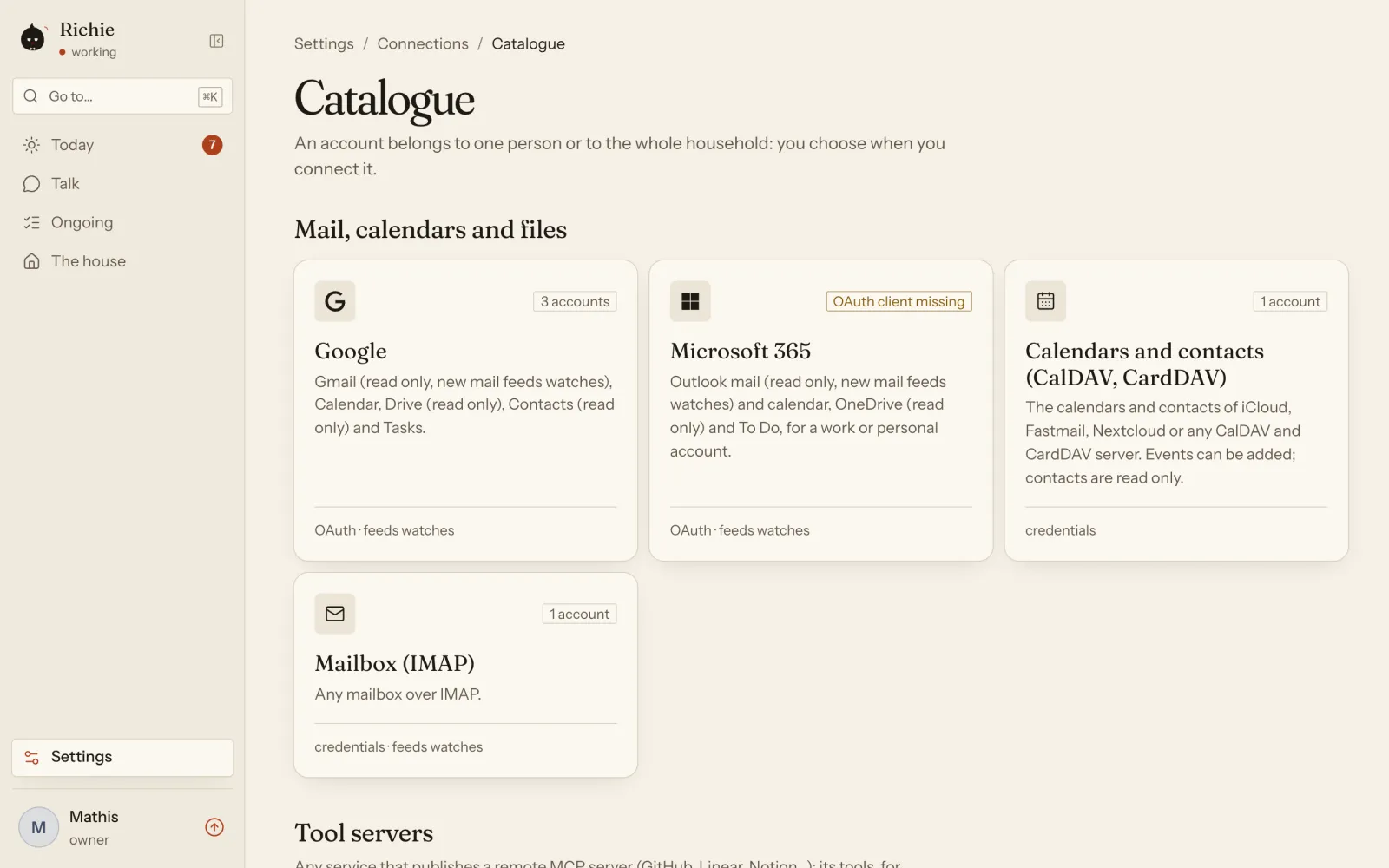
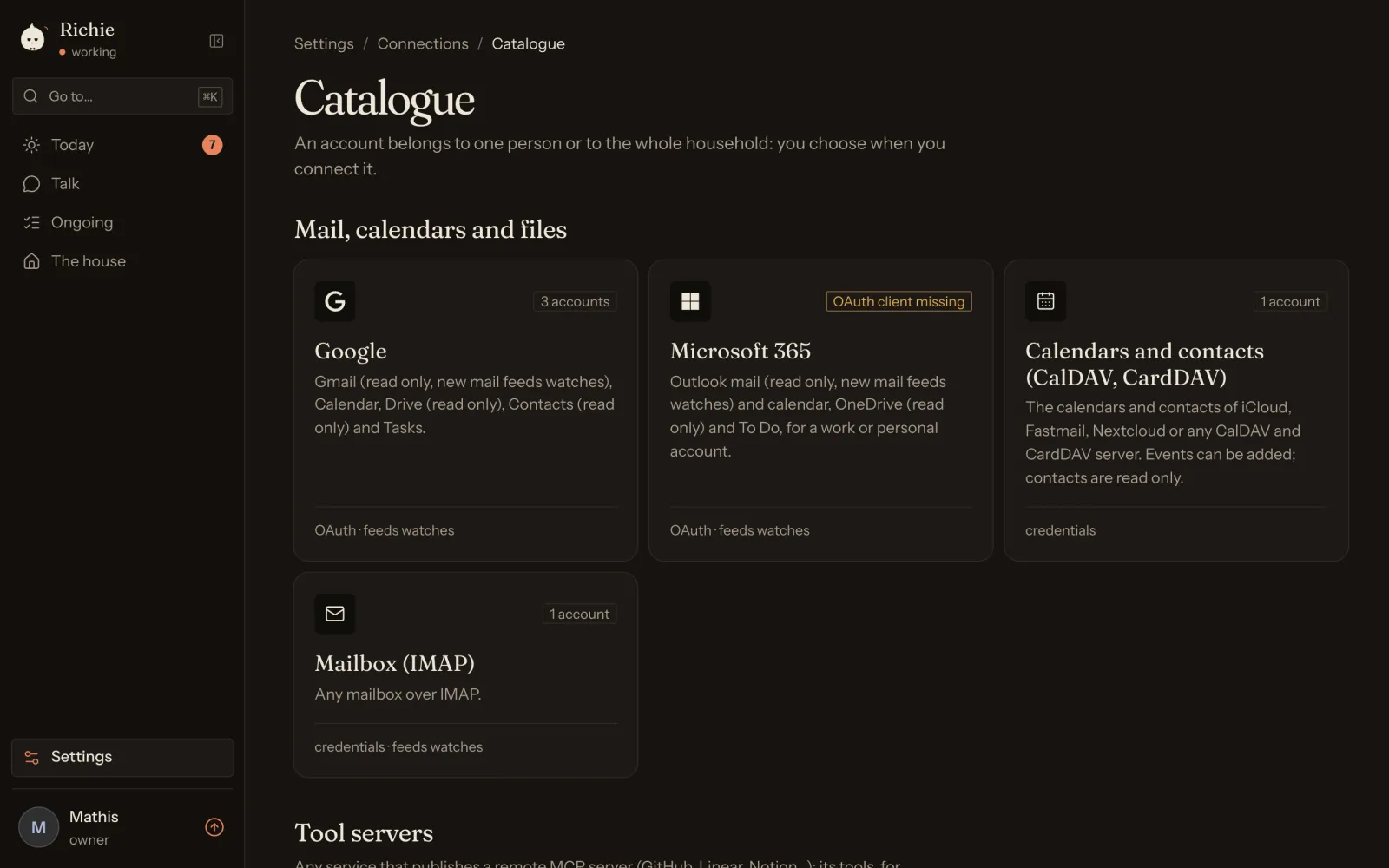
Services
| Service | What Nestor can do | @ names |
How to connect |
|---|---|---|---|
| Gmail, Calendar, Drive, Contacts, Tasks | @gmail, @calendar, @drive, @contacts, @tasks |
your own OAuth client | |
| Microsoft 365 | Outlook mail and calendar, OneDrive, To Do | @outlook, @calendar, @onedrive, @todo |
your own app registration |
| CalDAV and CardDAV | the calendars and contacts of iCloud, Fastmail, Nextcloud… | @calendar, @contacts |
a login and an app password |
| IMAP | any mailbox | @mail |
a login and an app password |
None of them sends, deletes or changes a mail, a file or a contact; events and tasks are added after asking (Writes).
Secrets are encrypted in state/ (AES-256-GCM, NESTOR_SECRET_KEY), renewed, and revoked on
disconnect where the provider allows. The model and the journal never see them.
| Service | What Nestor can do |
|---|---|
| Gmail | search and read mail, with Gmail’s syntax (from:, newer_than:7d); feeds watches |
| Calendar | list the events of the main calendar, add one |
| Drive | search files, read a Google Doc, Sheet (as CSV) or Slides, a PDF or a text file |
| Contacts | find people by name, address, phone or company |
| Tasks | list the open tasks of the default list, add one, tick one off |
Google needs your own OAuth client, made once in the Google Cloud console; the admin links each step.
-
Enable the APIs. In a new project: Gmail, Google Calendar, Google Drive, People and Google Tasks. A disabled API only removes its tools.
-
Configure consent. Google Auth Platform: External audience, scopes
openid,email, and, underhttps://www.googleapis.com/auth/,gmail.readonly,calendar.events,drive.readonly,contacts.readonly,tasks. -
Publish the app (In production), or the authorisation ends after 7 days. No verification needed.
-
Create the client. Web application, with the redirect URI the admin shows. Paste its ID and secret into the admin, Connect. On the “not verified” screen: Advanced › Go to Nestor.
Microsoft 365
| Service | What Nestor can do |
|---|---|
| Outlook mail | search and read mail (from:, subject:, received:); feeds watches |
| Calendar | list the events of the Outlook calendar, add one |
| OneDrive | search files, read a Word, Excel or PowerPoint document, an OpenDocument file, a PDF or a text file |
| To Do | list the open tasks of the default list, add one, tick one off |
Microsoft needs your own app registration, made once in App registrations (Azure portal); work, school and personal accounts work.
-
Register an app for Accounts in any organizational directory and personal Microsoft accounts, with a Web redirect URI: the one the admin shows.
-
Add permissions. API permissions, delegated Microsoft Graph:
offline_access,openid,email,User.Read,Mail.Read,MailboxSettings.Read,Calendars.ReadWrite,Files.Read,Tasks.ReadWrite. A work account’s administrator may have to grant them. -
Create a secret. Certificates & secrets › client secret, copy its Value. It expires within 24 months: renew it before.
-
Connect. Paste the Application (client) ID and the secret into the admin.
CalDAV and CardDAV
Events of every calendar, added to the calendar named or the first that accepts it; contacts by name, address, phone or company.
Give the CalDAV server, the CardDAV server if different, the login and an app password. Addresses are
https://; http:// works only on Nestor’s own machine.
| Provider | CalDAV | CardDAV | Login | App password |
|---|---|---|---|---|
| iCloud | https://caldav.icloud.com |
https://contacts.icloud.com |
your Apple Account address | account.apple.com, Sign-In and Security, App-Specific Passwords |
| Fastmail | https://caldav.fastmail.com |
https://carddav.fastmail.com |
your Fastmail address | Settings, Privacy & Security, Manage app passwords, with CalDAV and CardDAV access |
| Nextcloud | https://<your Nextcloud>/remote.php/dav |
the same | your user name | Personal settings, Security, Create new app password |
Other servers (Synology, Radicale, Baïkal): see their documentation.
IMAP
Any mailbox, read only, with an app password; the admin knows common providers’ servers. Personal Outlook accounts refuse IMAP passwords: use Microsoft 365.
Mentions
A service’s name points the agent to that account: “add the dentist to @calendar”. Two accounts
with the same name get the least of their address that tells them apart: @calendar-alex,
@calendar-alex-gmail. See Mentions.
Writes
Adding an event or a task, or ticking one off, asks the person first while the connection’s Ask for confirmation before writing is on (the default; Speakers). Each tool also has its own switch.
Mail and watches
A watch (“tell me when the plumber replies”): a model (watches.model) sorts each new Gmail,
Outlook and IMAP message against open watches and tells whoever asked
(Initiative). Instructions inside a mail are never followed. Watches also
follow feeds, pages and webhooks.
Settings
connectors in nestor.yaml lists the services the admin offers (kind: google, microsoft,
dav, imap); default: all installed. Optional keys for Google and Microsoft 365:
| Key | Default | What it does |
|---|---|---|
poll_interval_s |
30 (Google), 60 (Microsoft) |
how often new mail is read for the watches |
body_chars |
20000 |
the longest mail or file read, in characters |
file_bytes |
20000000 |
the largest file read |
excerpt_chars |
2000 |
the excerpt of each mail the watches sort |
A search returns at most 20 mails or files, 30 contacts, 50 events or 100 tasks.