Updates
How Nestor learns of a new release, and how to update the server, then its satellites.
Update the server first, then the satellites: a satellite updated first may speak a version the server refuses.
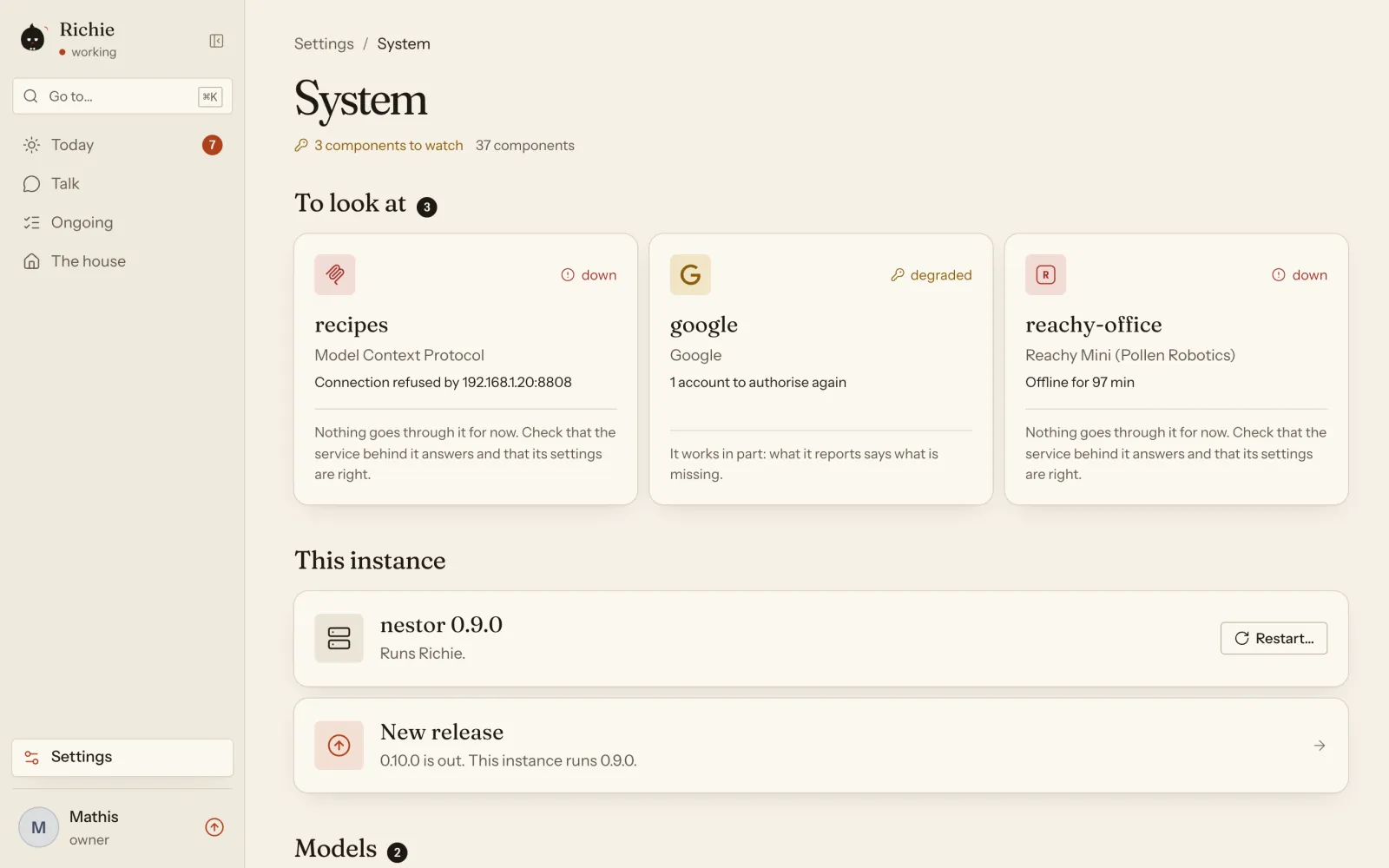
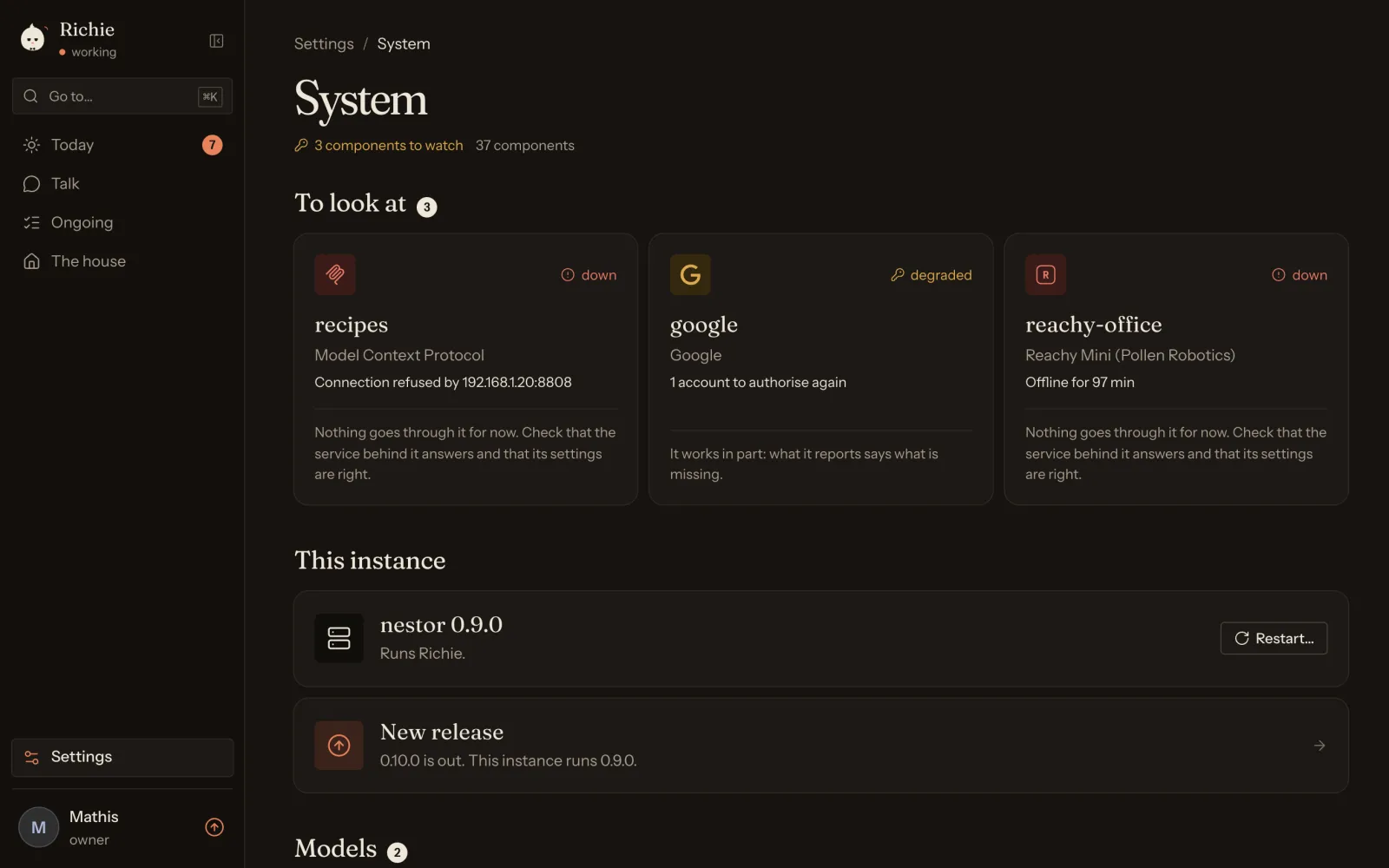
New releases
Nestor reads the releases.json feed a minute after start, then daily, sending nothing but the
request.
| Key | Default | What it does |
|---|---|---|
check |
true |
false never reads the feed |
feed |
the latest GitHub release | the feed’s address, for a mirror |
The admin then shows New release in the sidebar, with the notes since your version.
Update the server
With uv tool or pip:
- Install. Click Install, then confirm.
- Check. Nestor installs it from PyPI with your extras and runs
nestor check. - Restart. A conversation in progress is cut. If a step fails, the previous version comes back.
With Docker, the dialog gives the commands (the admin never takes the Docker socket):
docker compose pull
docker compose up -d
Until the first stable release, a breaking release may ask you to recreate state/ and pair the
satellites again.
Update a satellite
A satellite allowed device.update looks daily for a newer version at its source.
- Open. Its page shows Update available, with the notes the device found.
- Install. The device fetches it itself; Nestor sends only the version it reported.
- Restart. If the new version does not connect within a minute, the device rolls back.
It never installs an older version, or one it did not find (protocol). If a release drops a satellite’s protocol version, update that satellite on the device, after the server.