Home Assistant
Connect Home Assistant so Nestor knows who is home and acts on the devices you expose.
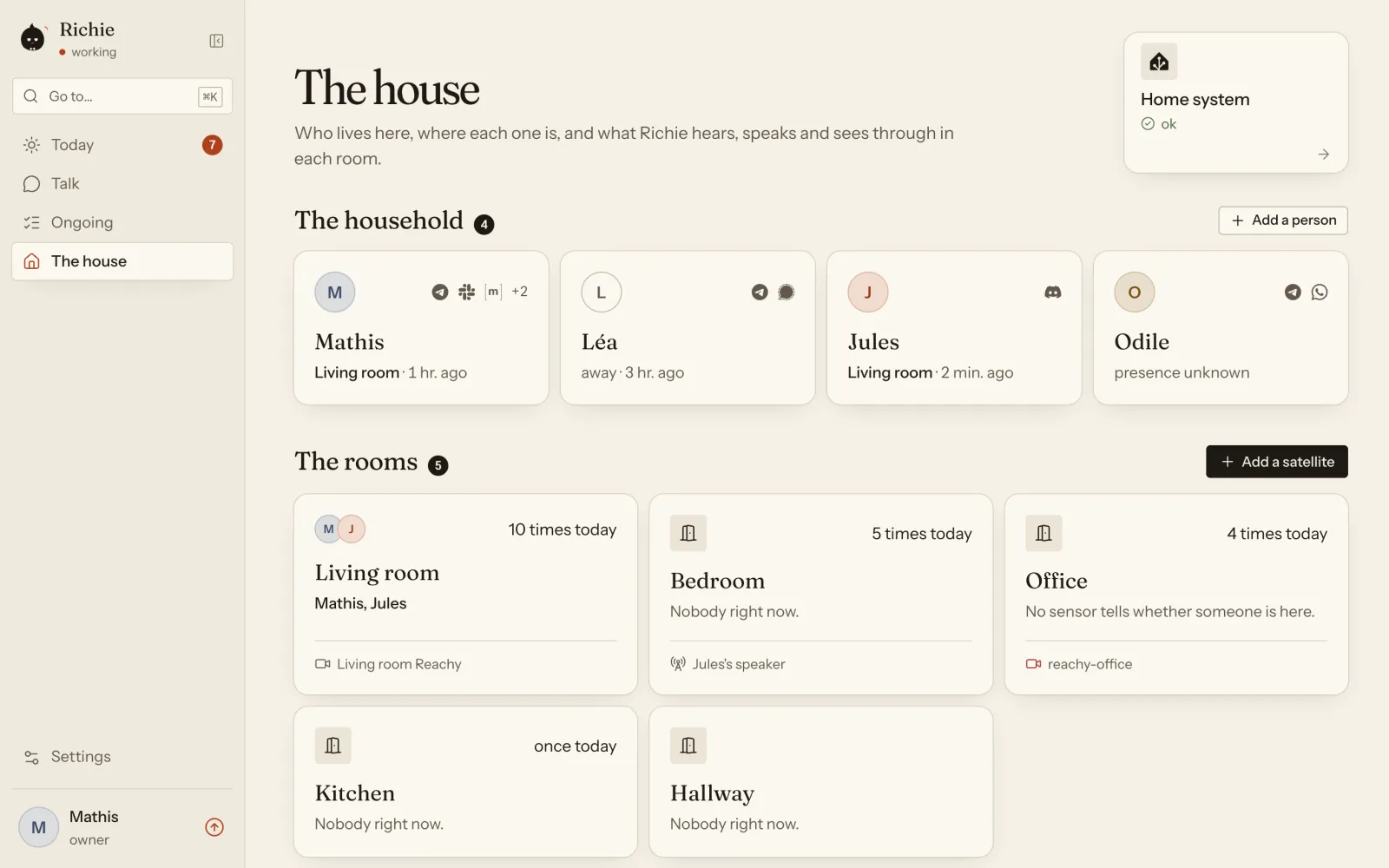
Home Assistant gives Nestor presence and the devices it exposes to assistants. One address and one token cover both.
Set up
-
Create a token. Profile › Security › long-lived access token.
-
Expose devices. Add the Model Context Protocol Server integration, then pick entities in Settings › Voice assistants › Expose. Presence does not need it.
-
Add the secrets to
.env.HOME_ASSISTANT_URL=http://homeassistant.local:8123 HOME_ASSISTANT_TOKEN=eyJ... -
Uncomment
homeinnestor.yaml.home: kind: home-assistant url: ${HOME_ASSISTANT_URL} token: ${HOME_ASSISTANT_TOKEN} people: alex: person.alex # each household id, with its person entity
What Nestor sees and does
| What | Where it comes from | Key |
|---|---|---|
| Who is home | each person’s person.* entity |
people |
| Which room a person is in | a room tracker per person (Bermuda, ESPresense) | rooms |
| Which rooms are occupied | sensors with an area; by default every occupancy, presence or motion sensor | occupancy_sensors |
| Devices it controls | the entities exposed to assistants, through Home Assistant’s MCP server (/api/mcp) |
none |
Sensitive actions
A sensitive action waits for the person’s go-ahead (Speakers): its domain, device class or name contains one of these values, ignoring case:
| Key | Default |
|---|---|
domains |
lock, alarm_control_panel |
device_classes |
garage, gate, door |
names |
lock, alarm, garage, gate, door |
Reading a state never is. A list you set replaces its default; add names in your language:
home:
  kind: home-assistant
  # …
  sensitive:
    names: [lock, garage, door, porte, portail]